

7·
7 hours agoIirc the first news are about a month old now, pretty recent stuff. Having followed console modding and emulation for some decades now, from my experience, patience’s the key.
On the Switch 2 specifically, I made a thread of posts a while back, listing my irritations with the console and its overdependance and overreliance on internet connections.
But if you’d be interested in following news on the matter, GBAtemp’s a good source for that, and adjacent to that there’s also !emulation@sh.itjust.works and !emulator_news@crust.piefed.social (latter one run by me hehe). In fact, GBAtemp has RSS feeds, so I think I’ll link to Piefed too.




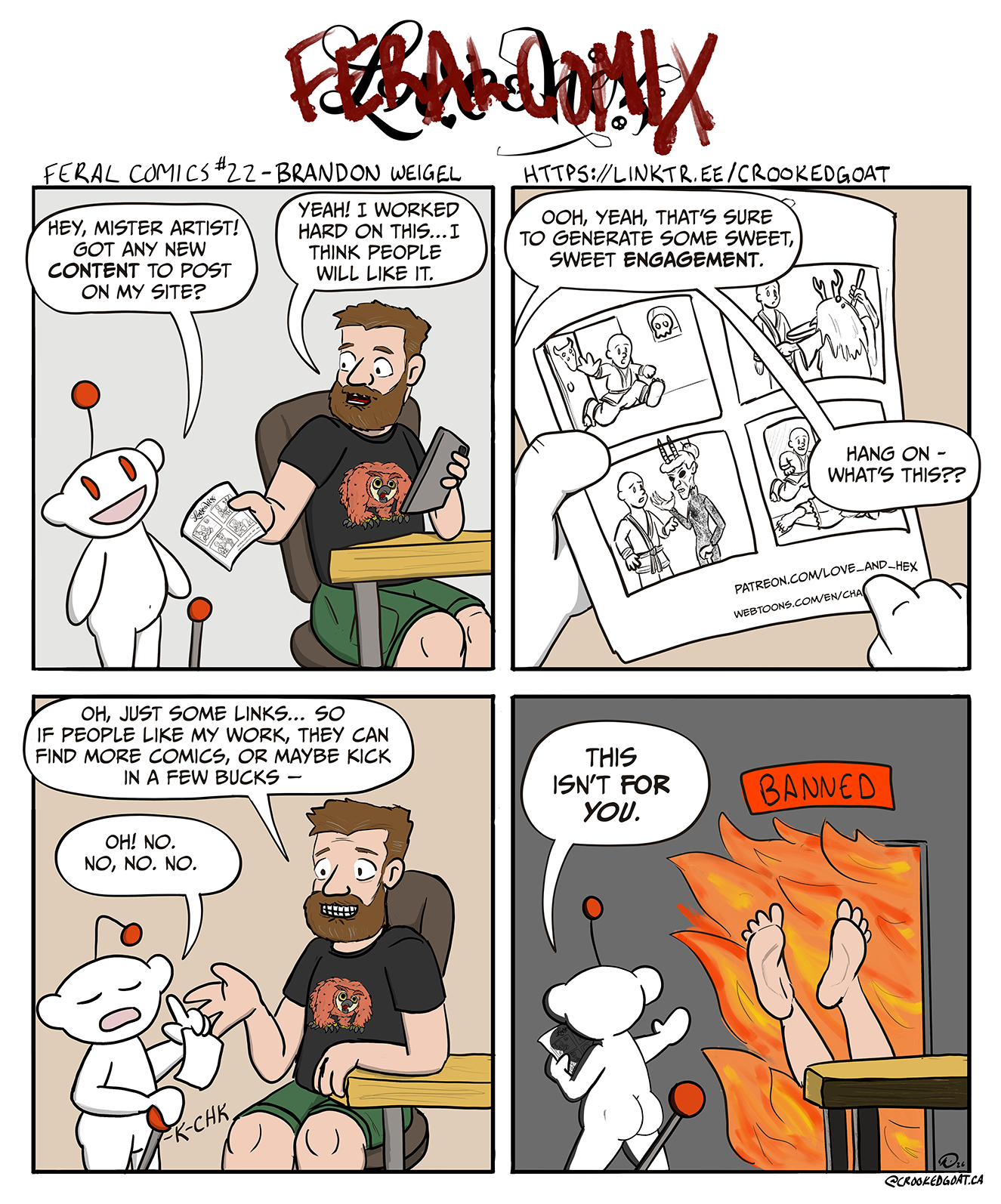
Other forums, the fediverse included, could use more users.